
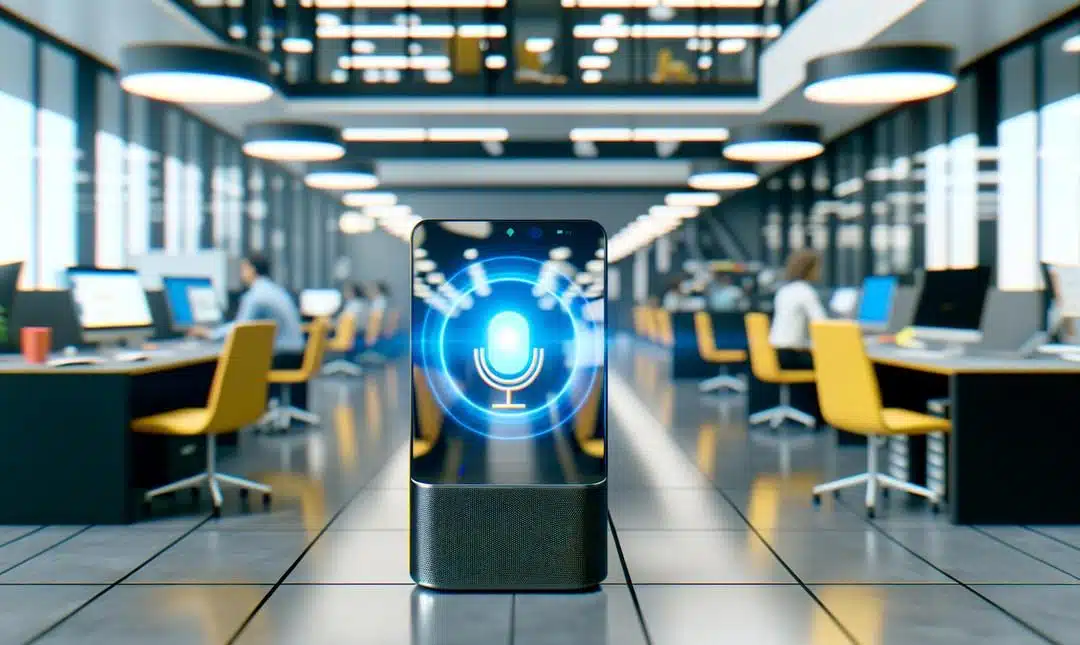
Discover how on-device voice AI transforms user experiences by offering fast, secure, and offline capabilities. This article delves into building intelligent systems that redefine privacy and efficiency for modern businesses, empowering them to stay competitive in the evolving AI landscape.
The Need for On-Device Voice AI
On-device voice AI is no longer optional.
Customers expect instant responses, no spinning wheel, no awkward delay. Businesses need control over data, not just speed. When voice is processed locally, the experience feels crisp. It also keeps sensitive moments, the ones said quietly, out of rented clouds. I have seen brands win back trust just by saying, your voice stays on your device.
The payoff is practical. Lower latency drives more completed actions, more sales, more booked appointments. Local processing reduces bandwidth costs and removes exposure to sudden API outages. You also sidestep messy data residency questions, which legal teams appreciate, perhaps a little too much.
Privacy is not just a feature, it is a promise. On-device models avoid sending raw audio to third parties. That matters in sectors that cannot afford leaks or lag:
– Healthcare, bedside notes and triage.
– Financial services, balance queries and authentication.
– Automotive, in car commands where connectivity drops.
Tools like OpenAI Whisper make this shift feel doable. Pair that with what we are seeing in real time voice agents, speech to speech interface, and you get fast, human grade conversations that do not rely on a perfect connection.
I think the next step is obvious, build for privacy first, then speed. The how, we will get into next.
Building Private and Efficient AI Models
Private voice AI should be small, fast, and local.
Start with lightweight models. Distil big teachers into tiny students. Prune dead weights. Quantise to int8, sometimes 4 bit, and you keep accuracy with a fraction of the compute. Real wins come from streaming, not stop start. Use VAD, a wake word, denoise, then log mel features feeding a compact transformer. I like whisper.cpp, it is plain, and it runs offline.
Set a tight budget, mouth to meaning under 100 ms. Pre allocate memory to kill jitter. Keep a ring buffer for 20 ms frames. Pin threads, raise priorities carefully, and lean on NEON or AVX. If noise spikes, lower beam width, perhaps even switch to a greedy pass. You lose a little, you gain speed. I have seen that trade pay, again and again.
To roll this out, keep it simple:
- Pick target devices and a clear latency SLA.
- Bench on accents, movement, and noisy rooms.
- Cache language packs and hot phrases locally.
- Ship with NNAPI, Core ML, or ONNX Runtime Mobile.
- Log on device, aggregate privately later.
- Strip cloud calls that are not needed, cut fees.
If you want the interaction loop to feel natural, try this take on real time voice agents speech to speech interface. It is practical, and I think, useful.
The Tech Behind Low-Latency Processing
Low latency lives at the edge.
Keep the audio close, skip the round trip, get answers faster. The trick is a streaming pipeline that never stalls. Start with clean capture, apply VAD to gate silence, then chunk audio into small frames that the model can consume without queueing. I once shaved 80 ms by pinning a thread to a performance core, small change, big feel.
Hardware matters. Push inference to the NPU or GPU, use Core ML, NNAPI or Vulkan where available. Keep tensors in memory, avoid copies between CPU and accelerator, that overhead is the hidden tax. Mixed precision helps, but schedule comes first. Prioritise the wake word, preempt long tasks, cancel on barge in. You will hear the difference, perhaps more than you expect.
You do not need monolithic cloud inference, although sometimes it helps. Orchestrate locally. Make.com can trigger flows instantly from device events, while n8n self hosted keeps data on your kit. Webhooks call native endpoints, retries handle spikes, simple queues smooth bursts. It is plain, and it works.
For the bigger picture of timing and turn taking, see real time voice agents speech to speech interface. Next, we turn this into a repeatable rollout, playbooks and support, because that is where teams win.
Implementing AI Solutions in Your Business
Start small with one voice use case.
Pick a single workflow that matters, hands free stock lookup, on site inspections, or ticket handling. Define the win, faster responses, fewer retries, and offline by default. Then design around it. Keep the scope tight. You can widen later.
You do not have to do this alone. Tap into communities, forums, and small peer groups. Borrow battle tested prompts, scripts, and checklists. I think that saves months. For a wider view on learning paths, see Master AI and automation for growth. It is practical, not fluffy, which helps.
Add structure. Make it boring on purpose:
- Map the path, wake word to action to log.
- Choose one model, try Whisper for on device speech, and one hardware target.
- Set guardrails, offline first, clear retention, and simple error fallbacks.
- Train people, short drills, one pagers, and quick wins shared in chat.
- Close the loop, weekly reviews, tiny tweaks, then scale.
When accents, domain terms, or IT constraints appear, bring in an expert. Custom wake words, compressed models, and deployment pipelines need a steady hand, perhaps yours soon. Book a consult at alexsmale.com/contact-alex for tailored advice, plus access to exclusive tools and resources. I have seen teams stall for weeks, then unlock progress after one 30 minute call.
Final words
As we embrace on-device voice AI, businesses can ensure privacy, enhance speed, and maintain control. Implementing such systems offers immense value in a competitive market. To optimize AI adoption, consulting with experts can streamline operations and drive growth. Explore the benefits and future-proof your business today.